
WordPress is important because it provides an easy, flexible and cost-effective way to create and manage a professional website. Businesses can update content, publish blogs, showcase services and manage online stores without needing advanced coding skills. Its wide range of themes, plugins and SEO tools also makes WordPress suitable for building websites that can grow with changing business needs.Type your paragraph here
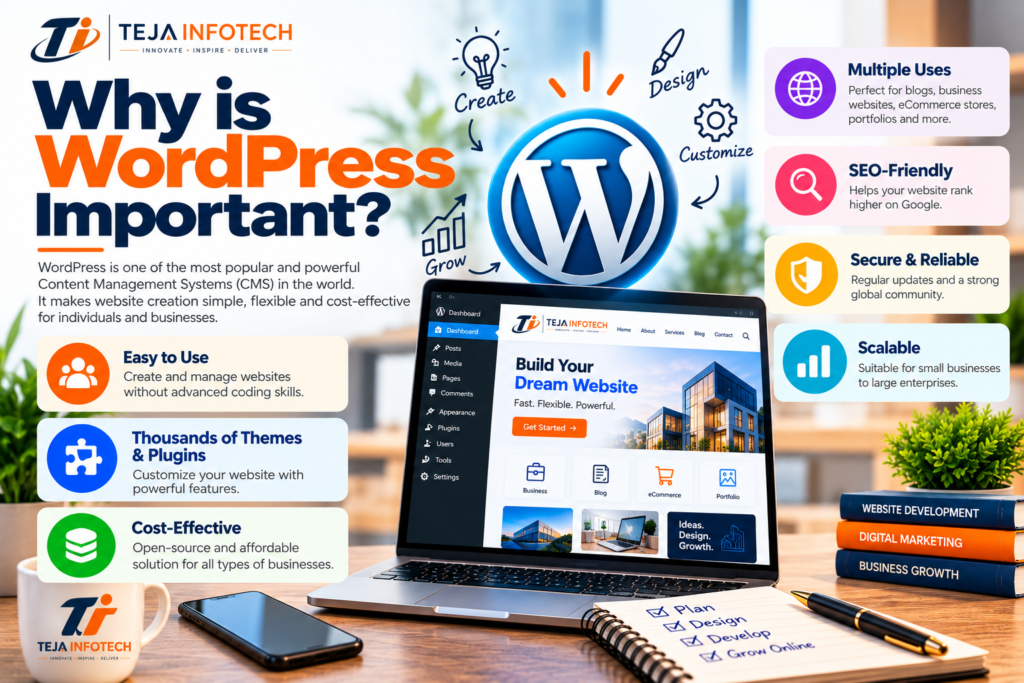
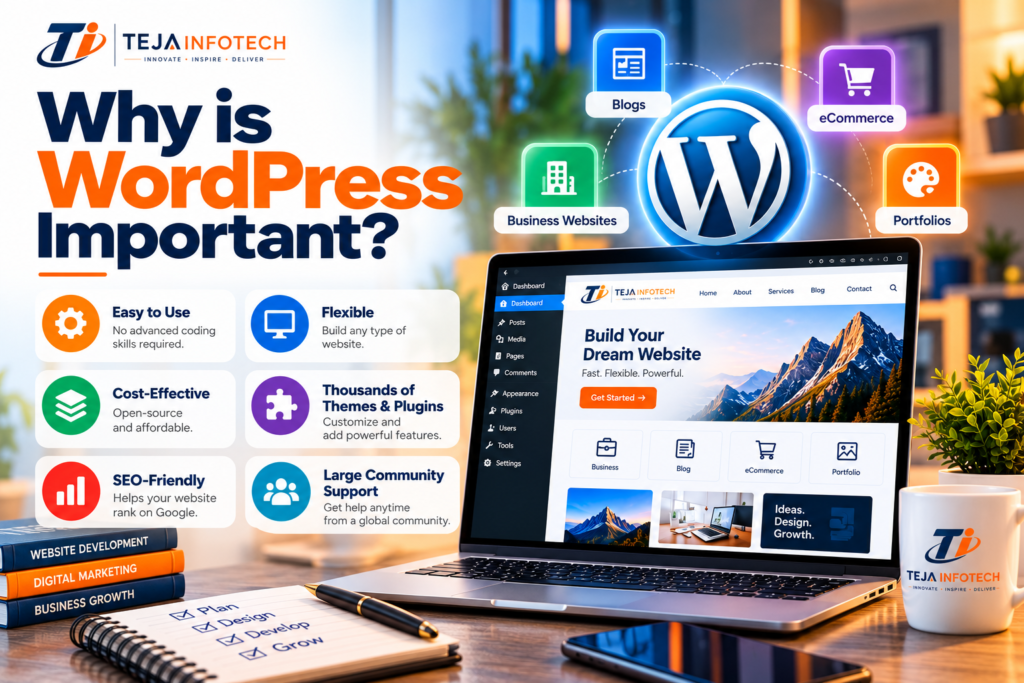
WordPress beginners ke liye easy-to-use CMS hai, jisme website manage karna simple hota hai.
Basic website changes ke liye advanced coding knowledge ki zarurat nahi hoti.
WordPress mein thousands of themes aur plugins available hain.
Inki madad se website ka design aur features business requirements ke according customize kar sakte hain.
WordPress SEO-friendly structure provide karta hai aur SEO plugins ke saath optimize kiya ja sakta hai.
Isse website ko search engines mein better visibility ke liye optimize karna easy hota hai.
WordPress se business websites, blogs, portfolios aur eCommerce stores banaye ja sakte hain.
Iski flexibility different types ke businesses ke liye useful hai.
WordPress open-source platform hai, isliye starting cost relatively affordable ho sakti hai.
Businesses apni requirements ke according themes, plugins aur development resources choose kar sakte hain.
WordPress regularly software updates aur security improvements provide karta hai.
Themes aur plugins ko updated rakhna website security ke liye important ha
WordPress website ko business ke growing requirements ke according expand kiya ja sakta hai.
New pages, features, integrations aur eCommerce functionality baad mein add ki ja sakti hai.
WordPress.com is a hosted platform.
You generally don't need to manage:
WordPress.org provides the WordPress software that you install on your own hosting.
You control:
WordPress is popular because it provides:
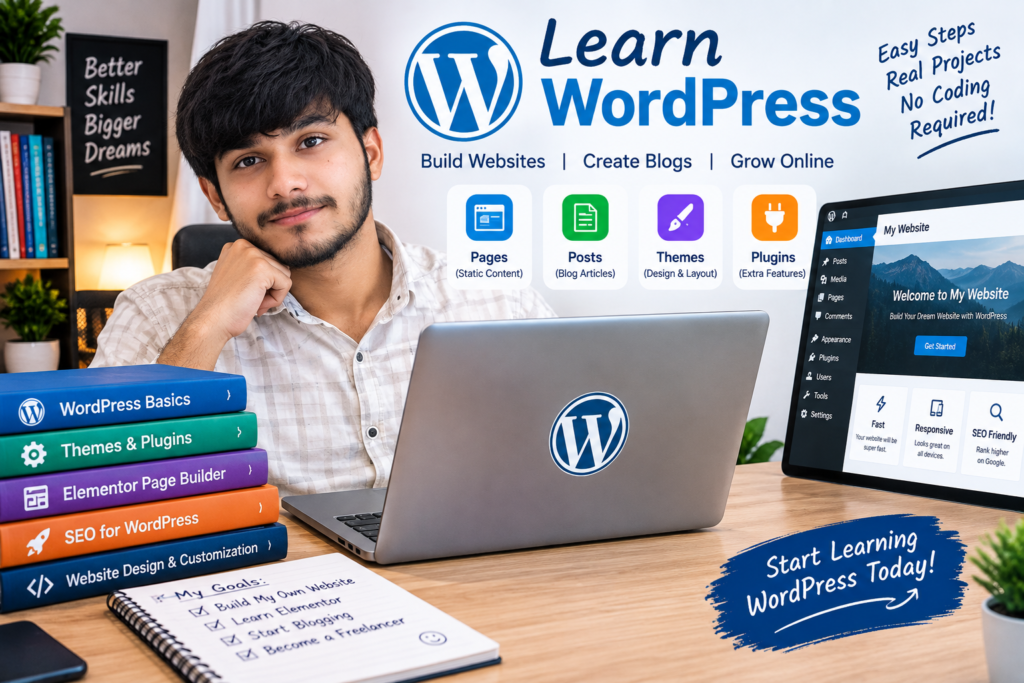
You can create pages and posts without coding everything manually.
Themes provide the design/layout of your website.
Plugins add functionality.
WordPress can be optimized for search engines.
WooCommerce can turn WordPress into an online store.
WordPress has three levels:
"I can install WordPress and make a website."
"I can build professional websites with themes, Elementor, plugins, SEO, forms, responsive design and performance optimization."
"I understand PHP, WordPress hooks, database, custom post types, custom plugins, APIs, themes, debugging and deployment."